Callide translates calls, conversations, and messages with AI
Use Callide as a universal AI translator for phone calls, video calls, WhatsApp, Telegram, LINE, WeChat, in-person conversations, voice messages, photos, and text. The app helps you communicate in more than 150 languages and pronunciation variants, view subtitles during conversations, and save clear transcripts after calls.
Install Callide- Real-time call translation
- Subtitles and transcripts
- Camera, photos, and text




One translator for work, travel, family, and international calls
Callide helps you speak naturally even when the other person uses a different language, dialect, or accent. You can start a phone call, enable translation in a video call, translate a voice message, scan a document with the camera, or quickly paste text for translation.
The app is especially useful for international professionals, travelers, students, immigrants, multilingual families, and people who regularly handle work or everyday tasks in different languages. Important conversation details can be saved as a transcript, while AI summaries help you quickly return to the main points after the call ends.
Explore features

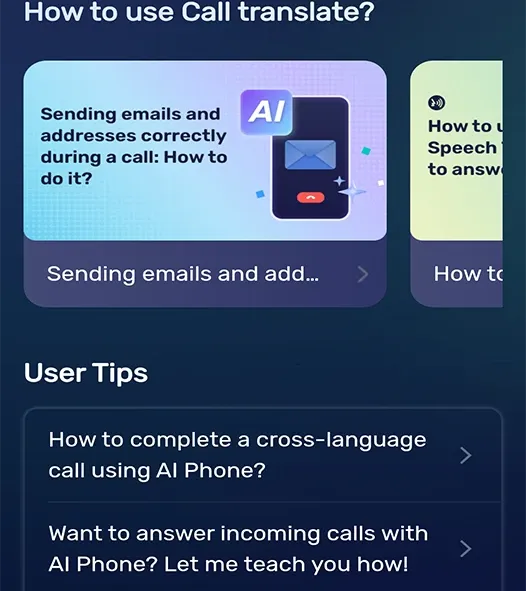

Phone call translation
- Two-way voice translation during calls
- Bilingual subtitles, transcripts, and AI summaries after calls

Video calls and messengers
- Subtitles for voice and video calls in popular social apps
- Support for WhatsApp, Telegram, LINE, WeChat, and other communication scenarios

Voice, photos, and text
- Talk Mode for in-person conversations and a listening mode for nearby speech
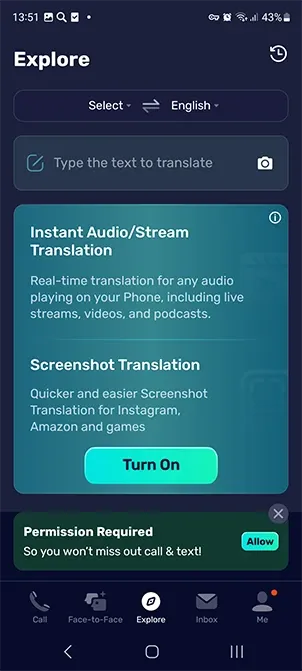
- Camera, OCR, and translation for photos, documents, menus, signs, and text


App screenshots and key modes
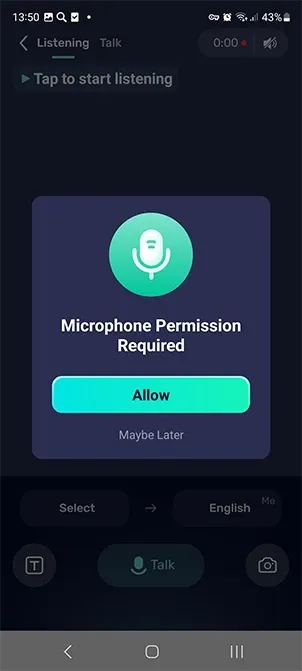
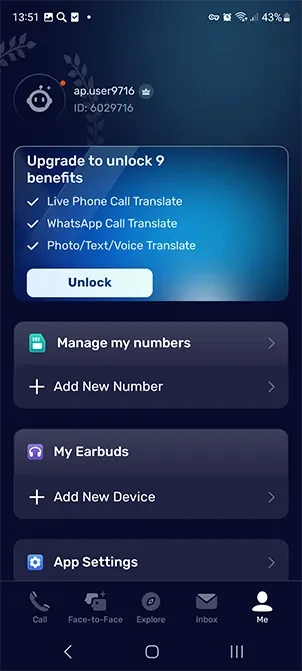
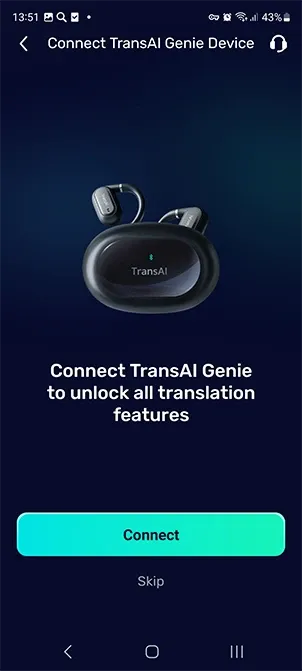
Callide brings several translation tools into one interface: calls, video communication, voice messages, camera translation, text, history, and additional phone features.
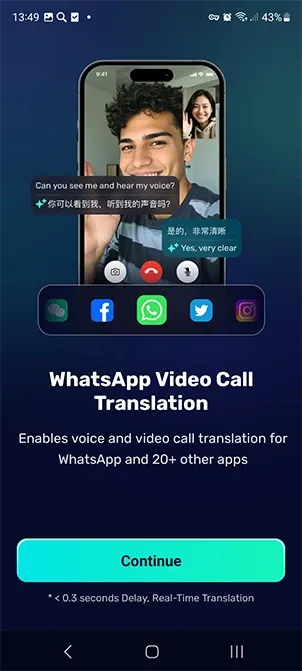
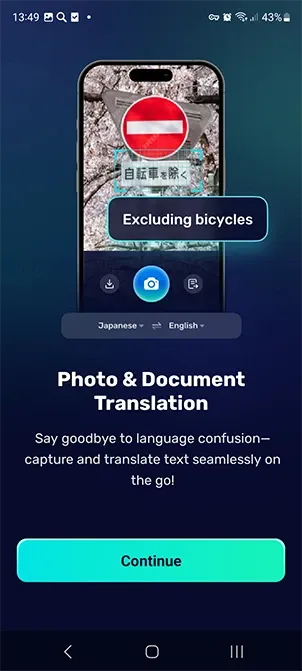
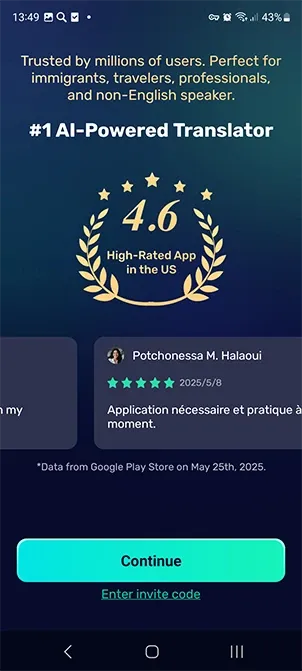
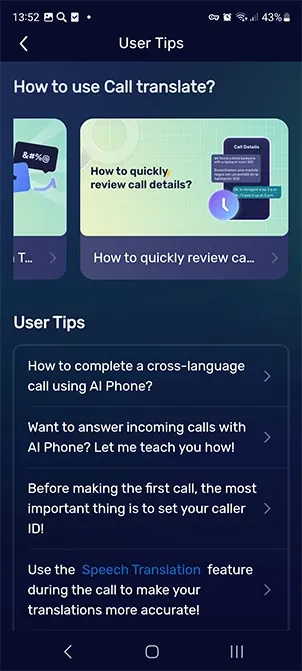
From live speech to clear translation in a few steps
-
Choose languages and a communication format
Set the source and target language for a phone call, video call, in-person conversation, voice message, photo, or regular text.
-
Speak naturally
Callide recognizes speech in real time and handles accents, dialects, mixed speech, and informal expressions so the translation feels closer to a real conversation.
-
Read subtitles and clarify details
During a conversation, you can view bilingual subtitles, type complex names, addresses, or numbers, and play the translation aloud for the other person.
-
Save the result
After a call, use the transcript, translation history, and short AI summary to quickly return to agreements, addresses, tasks, or important wording.
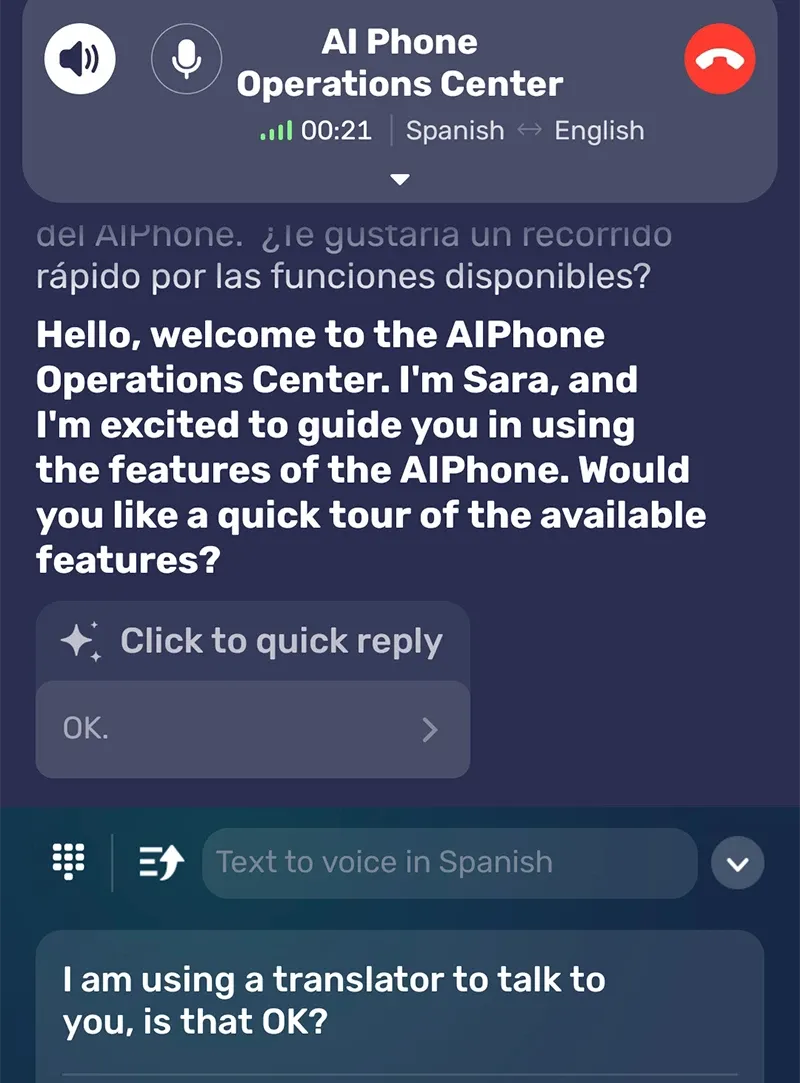

Callide works across different channels and everyday situations
Use the translator while traveling, at work, while studying, when calling service providers, talking with relatives, reading documents, or communicating with clients in another language.
Install the app

Phone calls
Two-way translation and subtitles help you discuss order details, travel plans, appointments, or consultations.
Learn more
WhatsApp and Telegram
Translate voice and video calls in popular messengers and social apps.
Learn more
LINE and WeChat
Convenient for international teams, family conversations, and everyday communication with people from other countries.
Learn more
Camera and documents
Translate menus, signs, labels, instructions, forms, resumes, certificates, and document photos.
Learn more
Work and travel
Useful for bookings, hotel calls, conversations with partners, delivery, rentals, and customer support.
Learn more
Second number
Additional phone tools help separate personal, work, and international communication.
Learn moreCallide plans
Choose the right access format for AI call translation, subtitles, transcripts, photo translation, and additional phone features. Payments and purchase management are handled through Google Play.
Travel
For travel, everyday tasks, and occasional conversations in different languages.
$7.99 / month
- Voice translation and Talk Mode
- Text, photo, and document translation
- Translation history
Pro Call
For regular calls, client communication, video calls, and international tasks.
$19.99 / month
- Phone call translation
- Video call subtitles
- AI summaries and transcripts
Global
For active international communication, a second number, and extended use cases.
$39.99 / month
- Advanced phone features
- AI messages and reply templates
- Voicemail and business hours
Callide user reviews
Users note that the app helps them communicate more calmly while traveling, at work, and in family conversations across different languages.
5 stars

“Callide helps when calling suppliers and support services abroad. It is especially convenient that a transcript remains after the conversation, so I can calmly check the address, order number, and agreements.”


5 stars
“I use translation in video calls and regular Talk Mode. The interface is clear, subtitles help me stay on track, and photo translation often saves me while traveling when I need to quickly understand a menu or notice.”

Emily Chan
often travels across Asia and Europe
5 stars
“For a family where everyone speaks different languages, this is a very practical tool. You can translate a voice message, clarify a phrase with text, or turn on conversation mode when you need to explain something in person.”

Jason Lee
uses translation in everyday communication
Callide FAQ
Short answers to common questions about call translation, languages, permissions, and saved data.
Which languages does Callide support?
The app supports more than 150 languages and pronunciation variants, including English, Chinese, Spanish, French, German, Japanese, Korean, Russian, Italian, Arabic, Thai, Polish, and more.
Can it translate calls in messengers?
Yes. Callide is designed not only for phone calls, but also for voice or video calls in popular social apps. Availability of specific features may depend on the device, Android version, and app settings.
Why does the app need camera and microphone access?
The microphone is needed to recognize and translate speech, while the camera is used to translate text in photos, documents, signs, packaging, and other images. Permissions are used only for features you launch in the app.
Are conversation transcripts saved?
Callide can create transcripts and short call summaries so you can return to important details. When recording, saving, or sharing conversations, it is important to follow local laws and notify participants where required.
What is the second number?
A second number helps separate personal, work, and international contacts. Depending on feature availability, you can use additional tools for messages, auto-replies, voicemail, and business hours.
System requirements
The current version of Callide, 3.31.0, requires Android 10 or later. Calls, video communication, camera, microphone, Bluetooth devices, and online translation require a compatible device and a stable network connection.
Speak, call, and translate without a language barrier
Install Callide on Android and use an AI translator for phone calls, video communication, in-person conversations, voice messages, photos, documents, and text.